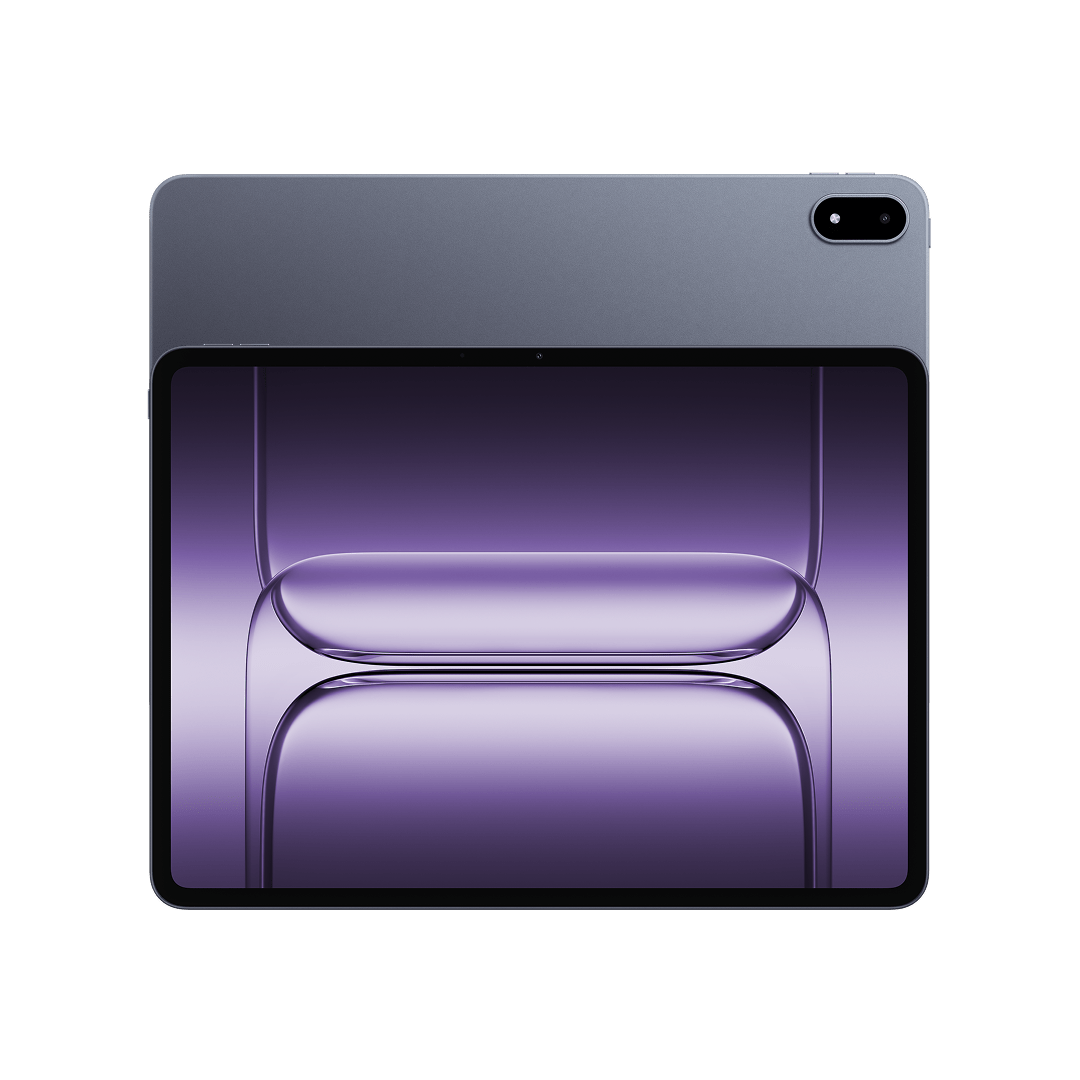
Major software updates are pivotal moments for Android tablets. A substantial OS update can instantly revitalize hardware, introducing refined visuals, smarter multitasking, and streamlined workflows that change how we interact with wide-canvas displays. For OnePlus tablet owners, the anticipation surrounding the latest software generation has finally culminated in a major release rollout.
ColorOS 17 (Build version: OPD2415_17.0.0.103(EX01)) has officially begun its global rollout for the OnePlus Pad 3, starting with staged batches in the India (IN) region. This release represents a comprehensive overhaul of the tablet's core interface, performance scheduling engines, and AI ecosystem capabilities.
To help you navigate this massive release, we have curated a deep dive into the six most impactful upgrades arriving with ColorOS 17, along with practical insights into systemic performance, ecosystem integration, and real-world community feedback.
1. Takeaway 1: Next-Gen Motion & Visuals via the Luminous Rendering Engine
ColorOS 17 introduces an expansive visual overhaul anchored by a brand-new "Fluid Design" architecture. Built to make large-screen interactions feel natural, dynamic, and tactile, the design relies on gentle motion rhythms, lively feedback, and seamlessly integrated state transitions.
"Introduces an all-new fluid design, crafted for seamless interactions. Smooth in motion, vivid by nature."
At the core of this transformation is the next-generation Luminous Rendering Engine. By introducing a fused rendering architecture that renders light effects and user interface elements simultaneously, the system achieves higher rendering efficiency alongside exceptionally smooth fluid animations.
Dynamic visual behaviors are integrated across the entire interface:
- Responsive Motion & Lighting: Interface elements naturally stretch, compress under pressure, and rebound dynamically during touch interactions. Light effects actively respond to user intent to convey operational status and guidance.
- Refined Lock Screen: App icons animate smoothly into view during swipe-up unlocking, anchored by a fluid clock. Lock screen notifications feature a downward collapse effect with progressive transitions, while the clock font dynamically adjusts its size based on notification content to preserve readability.
- Redesigned Control Centers: The notification drawer incorporates a translucent, lightweight card design with higher contrast. Quick Settings features responsive light effects for tap interactions, while transitions between the drawer and Quick Settings use a sequential motion effect that scales with gesture speed.
- Live Alerts & Media: Live Alerts receive cloud-inspired translucent visuals. Music Live Alerts display playback guidance light effects and diffusing ripple animations when switching tracks, keeping media feedback consistent across the Lock screen and Quick Settings.
On an expansive tablet display, these fluid animations and lighting cues transform daily navigation into visual feedback that feels organic rather than jarring, elevating the overall premium feel of the hardware.
2. Takeaway 2: Intelligence On-Demand with OSee AI Vision & Smart Document Scanning
ColorOS 17 elevates the OnePlus Pad 3’s utility through OSee, an integrated system-wide AI vision engine. By capturing photos or scanning scenes, OSee contextually interprets user intent and recommends relevant features and direct actions.
For document management and digitizing workflows, OSee equips the Pad 3 with a suite of high-efficiency productivity tools:
- AI Hyper Clarity Scanning: The AI Hyper Clarity algorithm optimizes text clarity, edge contrast, and overall image quality. It enables ultra-fast continuous scanning without artificial delays between pages.
- Layout-Aware Extraction: Converts physical papers into editable digital documents while intelligently preserving structural elements like headings, paragraphs, and complex tables.
- PDF Organization & Sharing: Users can scan, export, and merge multiple documents into a single organized PDF with a single tap. Scanned files can also be sent directly to PCs and external devices instantly.
- Integrated Snap & Translate: Provides single-shot translations for foreign language text inside images, making menus, foreign signs, and technical manuals instantly readable.
- System-Wide QR Scanning: Enables one-tap actions for QR codes across system services, webpages, and third-party apps for payments, contact additions, and service launches.
These built-in scanning and extraction tools turn the OnePlus Pad 3 from a traditional content-consumption tablet into a highly efficient mobile digitizing workstation.
3. Takeaway 3: High-Load Stability via the Upgraded Laminar Flow Engine
Multitasking performance on tablets often suffers when resource-heavy applications overload system memory, leading to frame drops or background app closures. To resolve foreground lag and preserve workflow continuity, ColorOS 17 incorporates an upgraded Laminar Flow Engine.
The engine deploys an advanced context-aware scheduling system to manage device resources under heavy memory stress. Paired with intelligent background app management, the OS leverages on-device personalized modeling to learn individual usage patterns. This allows the tablet to accurately predict user intent and keep the correct applications active in memory without requiring manual app pinning.
Intelligent background preservation is vital for tablet productivity. By actively preventing unexpected background app termination, users can swap between resource-heavy split-screen apps, browser tabs, and photo editing sessions without losing state, work in progress, or system responsiveness.
4. Takeaway 4: Frictionless Ecosystem Connectivity with O+ Connect
This systemic background stability provides the ideal foundation for expanded multi-device productivity. Cross-device integration receives a major upgrade via Device Connect / O+ Connect, focusing on eliminating file management friction across hardware ecosystems:
- Third-Party Camera Support: Supported cameras feature frictionless one-time pairing. Once paired, the camera is automatically detected when powered on near the tablet, prompting a single-tap connection via Live Alerts.
- Direct Cross-Device Creation: Users can view, select, preview, edit, and share photos and videos stored on connected third-party devices directly inside the native Photos app or third-party editing tools.
Crucially, this workflow allows creator-centric operations without forcing users to manually import or save heavy video files locally first—significantly reducing storage clutter and accelerating editing turnarounds.
5. Takeaway 5: Next-Level AI Translate & Audio Multitasking Perks
Communication and media handling receive refined functional updates in ColorOS 17, highlighted by a redesigned translation suite and flexible multi-app audio routing.
The dedicated Translate app streamlines language workflows across 10 supported languages—Simplified Chinese, English, Japanese, Korean, Malay, Vietnamese, Thai, German, French, and Indonesian—using low-latency streaming speech recognition and large language model contextual reasoning.
Core Communication Suite
- Photo Translation: Direct optical text translation accessible straight from the bottom navigation bar.
- Voice Translation: Real-time speech translation utilizing voiceprint recognition, speaker separation, and voice-cloned playback for natural dialogue flow.
- Text Translation: Streamlined text translation mode with quick-access switching across supported language sets.
Earbud integration is similarly elevated: users can triple-tap or pinch supported earbuds to initiate real-time voice translation without reaching for their tablet. The system pairs bone-conduction sensors with multi-microphone arrays to accurately identify distinct speakers in multi-person meetings or travel scenarios.
Additionally, ColorOS 17 addresses a long-standing Android frustration by introducing a dedicated toggle in Settings allowing simultaneous audio output from multiple apps. Users can now play background media while listening to audio clips or game sound effects without automated playback interruption.
6. Takeaway 6: Community Realities, Reported Issues, and the Official Rollback Plan
While ColorOS 17 delivers substantial structural improvements, community feedback from early adopters highlights practical observations, minor feature gaps, and bug reports:
- Feature Requests & Feedback: Users in community threads have expressed a desire for a native tablet-optimized "Phone Manager" to clear system cache easily, while others noted the absence of "Mind Space" (which is present on select handsets like the Nord CE 4).
- Reported Issues: Early testers have noted initial bugs within O+ Connect, including difficulties mirroring specific device screens (such as the OnePlus 15) or displaying cross-device files accurately within the file manager post-update.
The Official Safety Net (MP Rollback Guide)
To safeguard users facing severe system instability, app incompatibilities, or performance drops, OnePlus provides an official MP Rollback package to downgrade back to OxygenOS 16/previous versions.
CRITICAL DATA WARNING: Executing a system rollback will completely erase all stored data on the device. Performing a comprehensive manual data backup is mandatory prior to starting the process.
Standard Rollback Steps (IN / EU / GLO):
- Download the designated ROM rollback zip package from the official community server onto tablet storage.
- Enable Developer Mode: Navigate to
Settings>About device>Version> TapBuild number7 times, then enter your lock screen password. - Initiate Local Install: Go to
Settings>About device>Up to date> Tap the top-right menu icon > SelectLocal install. - Choose the downloaded rollback package, extract it, and allow the system upgrade process to run to 100%.
- Tap Restart to finish the rollback process.
(Note: NA region devices utilize a dedicated downgrade APK tool to execute local installations. If the "Local install" option appears greyed out, clear the data for the "Software update" app under App Management while disconnected from all Wi-Fi and mobile data networks).
Users encountering bugs can submit feedback directly via the OnePlus Community App ("Bug Report" section under profile) or by dialing *#800# on IN region devices. Transparent bug tracking and official rollback packages build strong user confidence during staged software rollouts.
Conclusion: Looking Ahead
ColorOS 17 represents a substantial step forward for the OnePlus Pad 3. By pairing dynamic fluid visuals and the Luminous Rendering Engine with practical AI tools like OSee and AI Translate, the update significantly enhances both daily interface aesthetics and functional productivity. Coupled with systemic performance management via the Laminar Flow Engine, the platform delivers a noticeably agile multi-app environment.
While early staged updates naturally bring minor community bug reports and requests for feature parity, the depth of cross-device editing through O+ Connect signals an exciting trajectory for Android tablet software.
Does deep AI vision integration, smart document scanning, and frictionless cross-device media editing bring Android tablets one step closer to becoming effortless laptop replacements? Let us know your thoughts in the comments below!
Comments
Post a Comment